
Technology Journal
Practical thinking for connected vehicle technology.
Explore TechRide journal notes on dashboard control, vehicle visibility, parking awareness, audio upgrades, power delivery, wiring preparation, and everyday automotive electronics.

Technology explained through the vehicle systems it supports.
The TechRide Technology Journal is designed for drivers comparing practical automotive upgrades. Each topic begins with the vehicle environment, then considers equipment function, connections, placement, power, and daily use.
Our journal avoids unsupported performance claims and generic advice. Instead, it focuses on the details that help organize product research before a touchscreen, camera, amplifier, charger, sensor, inverter, or wiring component is selected.

Before choosing a new touchscreen head unit.
A display upgrade can change navigation, media control, calling, camera visibility, and dashboard organization. The most useful comparison starts with the vehicle rather than the screen size alone.
- Measure the dashboard opening, available depth, and surrounding controls.
- Review operating voltage, factory wiring, adapters, and retained vehicle functions.
- Confirm camera inputs, audio outputs, USB routing, and wireless connection needs.
- Consider screen position, viewing angle, ventilation, and access to physical controls.
Focused notes for each vehicle technology system.
These editorial topics organize the practical questions that often appear before product selection, installation preparation, and everyday vehicle use.
Connected dashboard systems
Compare touchscreen head units, floating displays, rotating screens, CarPlay systems, Android Auto systems, Bluetooth functions, and multimedia inputs.
Control · Media · NavigationDash camera planning
Consider windshield position, front and rear cable routing, interior camera placement, parking monitoring power, visibility, and storage access.
Recording · Position · PowerParking visibility and sensors
Review backup camera angles, display inputs, sensor spacing, bumper placement, blind spot assistance equipment, and reversing awareness.
Camera view · Distance · AwarenessVehicle audio integration
Explore amplifier channels, speaker size, subwoofer placement, signal inputs, power wiring, grounding, ventilation, and cabin listening goals.
Signal · Power · Sound layoutCharging and power conversion
Understand USB charging modules, wireless chargers, power hubs, voltage monitoring, inverter input requirements, output needs, and cable preparation.
Charging · Voltage · ConversionWiring and installation readiness
Identify harnesses, connectors, adapters, controller wiring, grounding points, fuse protection, cable routes, and service access before installation.
Connections · Routing · OrganizationMounting a dash camera with the full vehicle interior in mind.
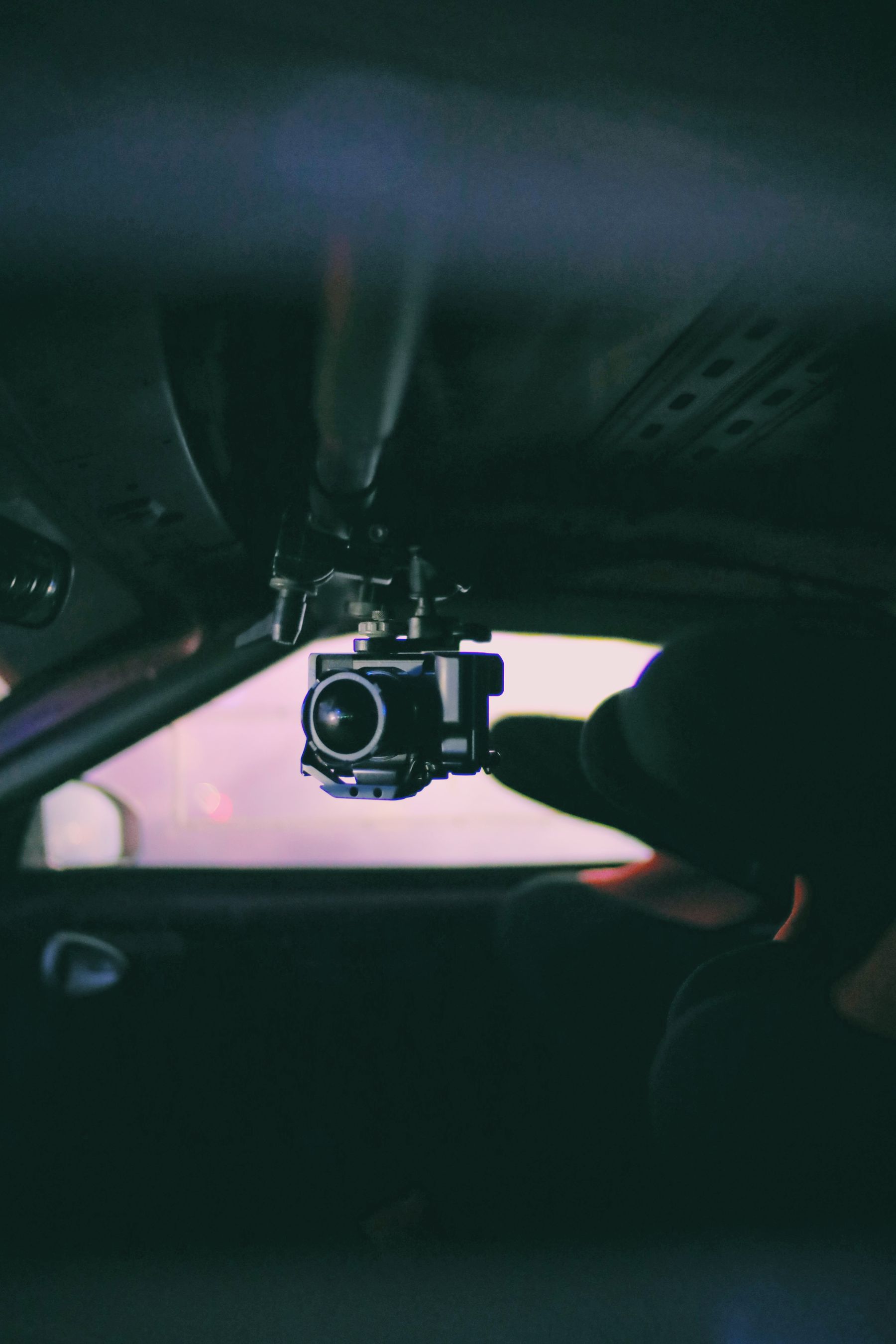
A dash camera should provide a useful view without creating unnecessary obstruction or disorganized wiring. Position, power, access, and cable routing should be considered together.
Choose a practical viewing position
Keep the lens area clear while considering mirrors, sensors, sun visors, windshield tint, and the driver’s normal field of view.
Plan the power connection
Compare available charging outlets, USB power, hardwire preparation, parking monitoring needs, and vehicle electrical behavior.
Organize the cable route
Avoid loose cables across controls or visibility areas and consider trim paths, moving panels, airbags, and future service access.
Check operation before final placement
Confirm the camera view, recording access, display settings, cable length, and rear camera connection before completing the installation.
Measure usable space
Record width, height, depth, clearance, cable access, mounting position, and nearby controls before comparing equipment dimensions.
Physical fit comes firstConfirm the electrical environment
Review vehicle voltage, current demand, charging output, grounding, fuse protection, and any power conversion requirements.
Stable power supports stable useIdentify connection types
Compare factory plugs, wiring harnesses, camera inputs, speaker channels, USB connections, sensor ports, and installation adapters.
Connections define integrationPlan for future access
Keep important fuses, memory cards, adjustment controls, connectors, ventilation areas, and service points reasonably accessible.
Maintenance is part of the designJournal topics remain centered on vehicle technology, electrical systems, and in-car equipment.
Dimensions, voltage, connections, placement, and installation preparation guide each topic.
Content avoids unsupported performance claims, absolute promises, and generic promotional language.
Topics focus on control, visibility, awareness, charging, audio, power delivery, and organized wiring.